
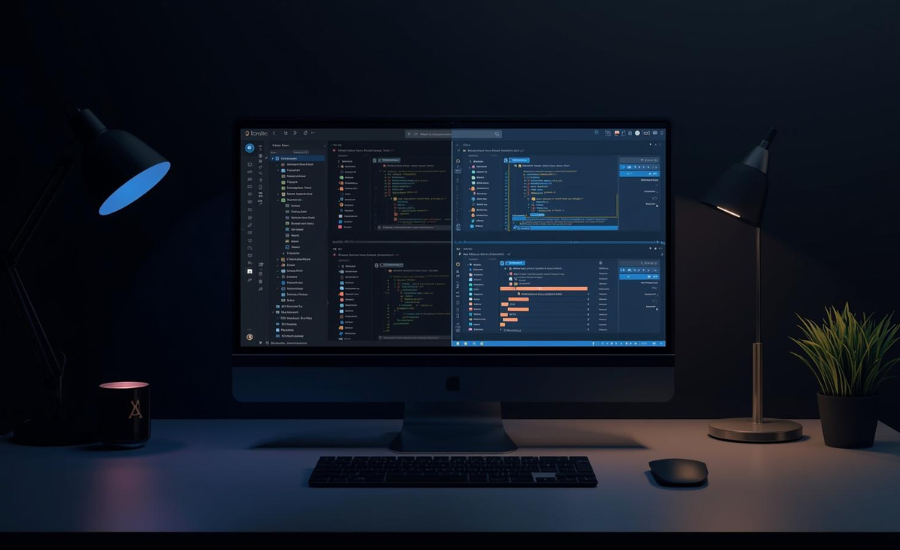
Dark mode has quickly evolved from a niche feature into a mainstream design trend. From mobile apps to operating systems and websites, users increasingly expect the option to switch between light and dark themes. But does dark mode make sense for every website? And more importantly, should you implement it?
Let’s break down the benefits, challenges, and best practices to help you make an informed decision.
What Is Dark Mode in Web Design?
Dark mode is a design approach where light-colored text, icons, and UI elements are displayed on a dark background instead of the traditional light background. Users can usually toggle between light and dark modes based on preference or system settings.
While visually appealing, dark mode is more than just an aesthetic choice—it directly affects usability, accessibility, and brand perception.
Benefits of Implementing Dark Mode
- Reduced Eye Strain (in Low-Light Environments)
Dark mode can be easier on the eyes, especially in dimly lit conditions. It reduces screen glare and makes prolonged browsing more comfortable for many users. - Improved Battery Efficiency
On OLED and AMOLED screens, dark mode can significantly reduce power consumption since dark pixels require less energy. This is especially beneficial for mobile users. - Modern, Premium Look
Dark mode often gives websites a sleek, modern, and high-end feel. For tech, creative, media, and SaaS brands, it can enhance brand perception and user engagement. - User Preference & Control
Offering dark mode shows that you care about user comfort. Giving users control over their viewing experience builds trust and improves overall UX.
Challenges of Dark Mode in Web Design
- Readability Issues
Dark mode isn’t always easier to read. Long-form content, blogs, and text-heavy pages may actually perform better in light mode, especially in bright environments. - Color & Contrast Complexity
Not all colors work well on dark backgrounds. Poor contrast can hurt accessibility and make UI elements harder to distinguish. - Brand Consistency
Brands with bright, light-centric identities may struggle to translate their visual language into dark mode without losing recognition. - Extra Design & Development Effort
Dark mode isn’t just “inverting colors.” It requires thoughtful design, testing, and maintenance to ensure consistency across pages and devices.
When Does Dark Mode Make Sense?
Dark mode is particularly effective if:
- Your audience spends long hours on your platform
- Your product is tech-focused, creative, or dashboard-based
- Your website includes apps, tools, or data-heavy interfaces
- Your users access your site primarily at night or on mobile devices
However, for websites that are content-heavy, education-focused, or aimed at older audiences, light mode may still be the better default.
Best Practices for Implementing Dark Mode
- Offer it as an option, not the default (unless user data supports it)
- Maintain proper contrast ratios for accessibility
- Avoid pure black; use dark grays for better readability
- Test across devices and lighting conditions
- Respect system preferences using prefers-color-scheme
A professional design approach ensures dark mode enhances usability rather than harming it.
So, Should You Implement Dark Mode?
Dark mode is not a necessity—but when implemented correctly, it can significantly enhance user experience and brand perception. The key is understanding your audience, content type, and brand goals.
If your users value comfort, modern aesthetics, and flexibility, dark mode can be a valuable addition. If clarity, readability, and simplicity are your top priorities, light mode may remain the better choice.
The smartest approach? Offer both—and let users decide.